The essentials.
Working together.
Deliver content, check understanding, and document acknowledgment through a simple employee training workflow.
PDF & document training
Share company policies, manuals, job instructions, and onboarding documents in your training workflow.
Video learning
Bring demonstrations and instructional videos into the learning experience. Discuss formats and file sizes in your demo.
Quizzes & knowledge checks
Reinforce key concepts and help assess whether employees understand the material.
Electronic signatures
Collect signatures when a policy or training acknowledgment needs an employee’s confirmation.
Email invitations
Invite employees to their training by email and provide a clear starting point.
Progress tracking
Review training completion and identify where follow-up is needed.
Your training.
A clearer employee experience.
Use your own materials to make training relevant to each role. Discuss assignment, reminder, reporting, mobile access, and export requirements during your demo so your proposed setup reflects the tools you actually need.
Explore the workflow →Let’s build a clearer workflow.
See how your documents, videos, quizzes, and acknowledgments could work together for your team.
Request a demo ↗A real view of
your training workspace.
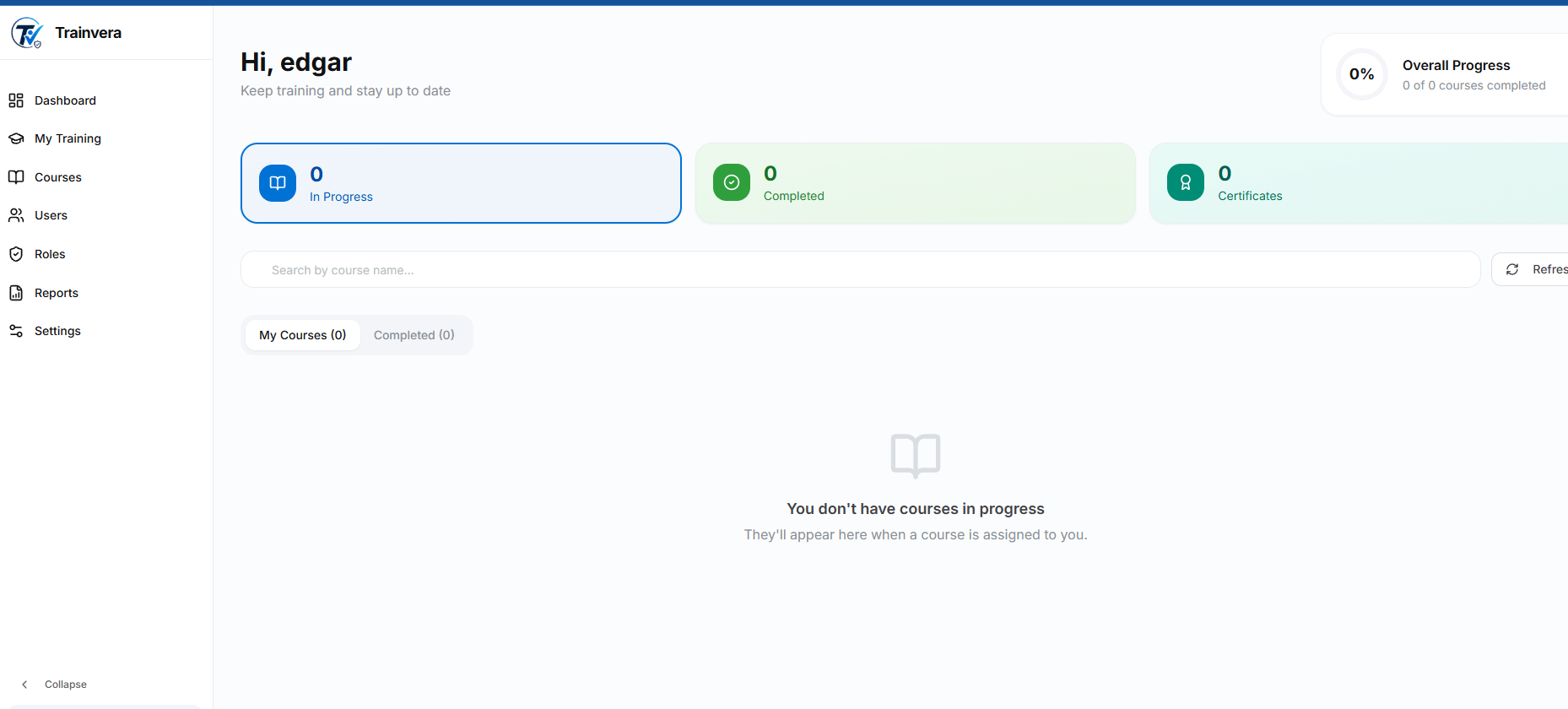
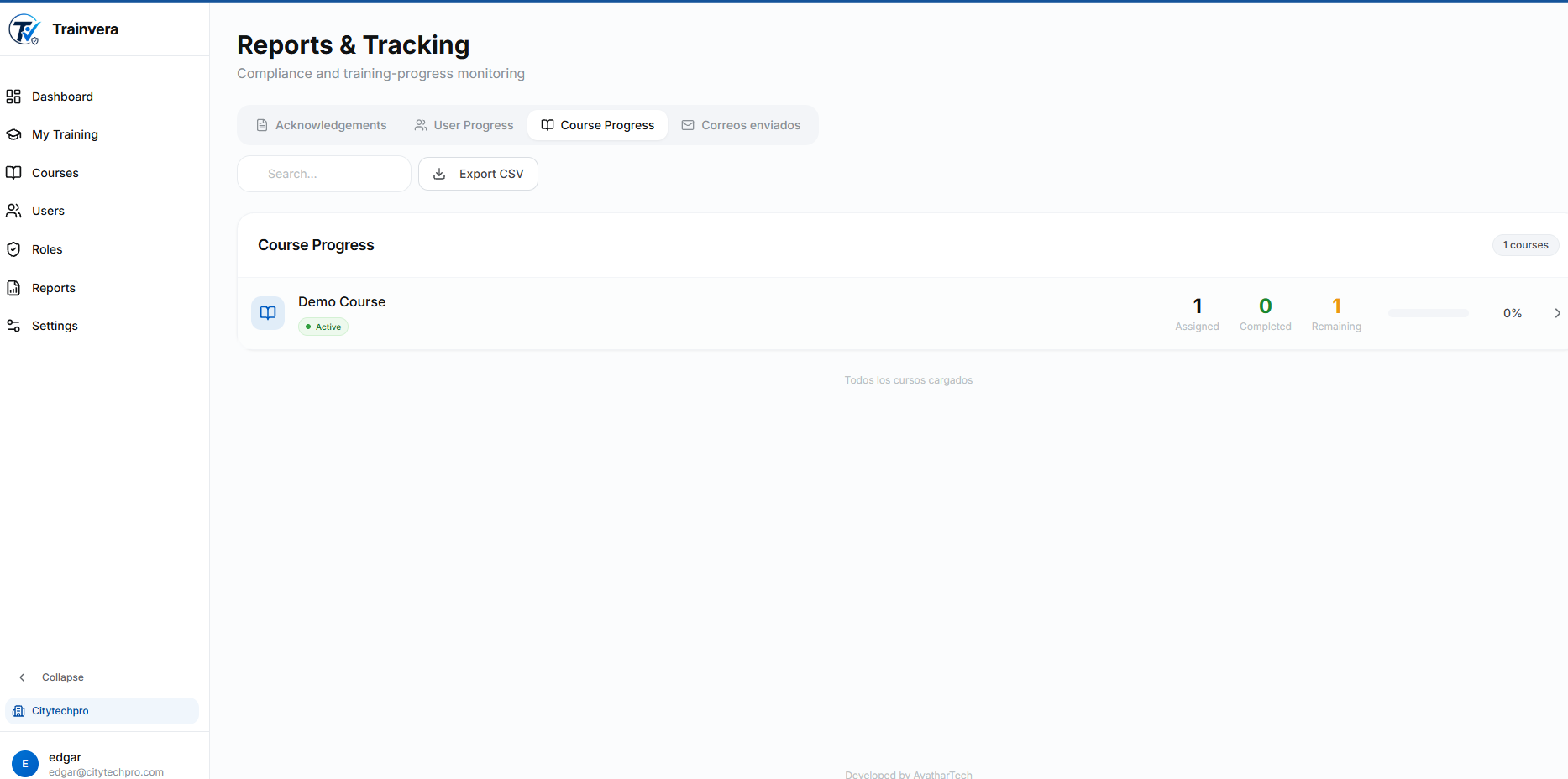
Explore the employee training view and reporting tools. These screenshots show an example workspace.
The employee training view
A clear place to review assigned courses and training progress.
Reporting and follow-through
Review course progress, acknowledgments, and reporting options in one workspace.
Select a screenshot to view it at full size.